
Blog
How to add Google Maps photos that help your South African business get found
How to add Google Maps photos that help your South African business get found: what to photograph, how to add them to your profile, what Google doesn't allow, and a simple monthly habit.
We are based in Cape Town and work with businesses across South Africa.
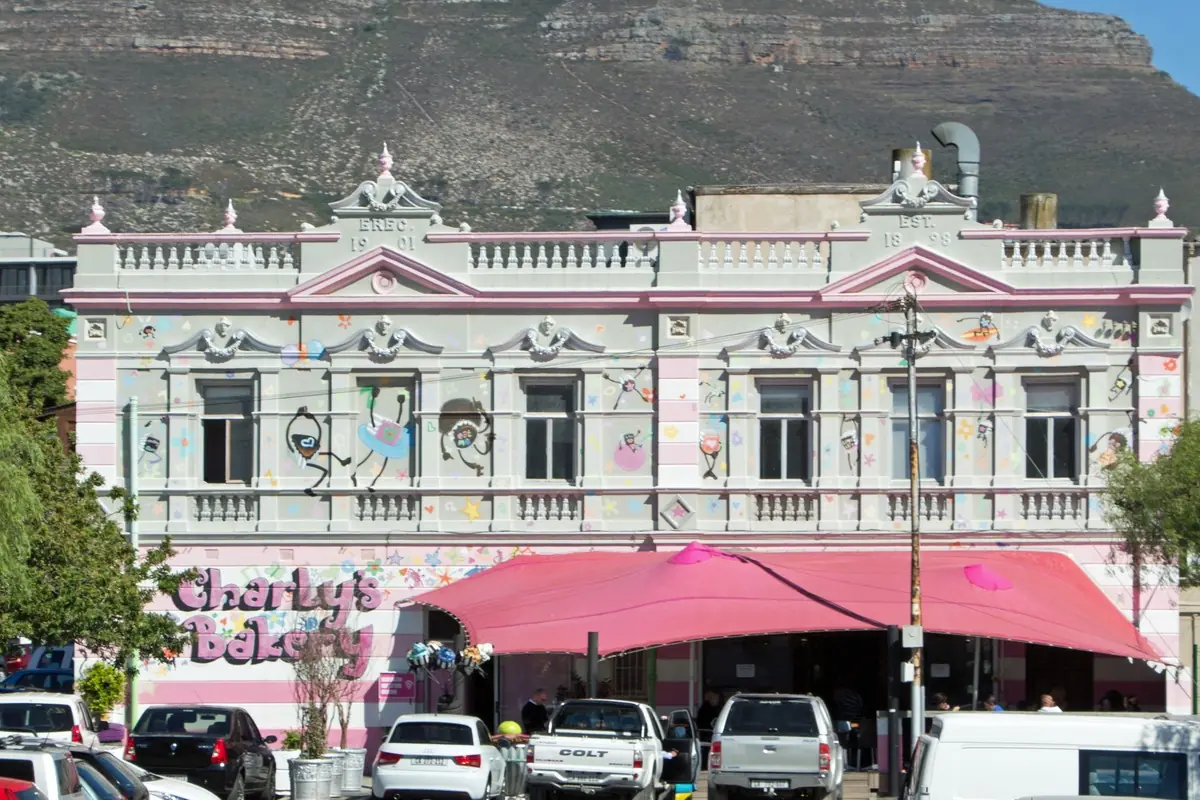

When someone opens your listing on Google Maps, the photos often land before the reviews or the website. A few real pictures of your shop, team or work tell them you're open, you're local, and you're worth the call. For a South African business, that first look matters as much as the star rating.
This is not about the short updates you add as Google Business Profile posts. Those have their own job, and we cover them in Google Business Profile posts that get calls in Cape Town. This post is about the photo gallery on your Maps listing: the cover photo, the logo, and the pictures customers swipe through before they decide to phone you.
Why photos matter on Google Maps
Google uses photos as one of the signs that a profile is active and real. Customers use them in a more practical way. They want to see the shopfront so they know they'll find you, the inside so they know what to expect, and recent work so they can trust you with the job.
A listing with only a logo from 2019 looks quiet. A listing with fresh photos of the team, the premises and the work looks like a business that is trading. In a busy category in Johannesburg, Durban or Cape Town, that difference can be what tips someone toward you.
Photos also help you show up. They are part of how Google judges prominence, alongside reviews and a complete profile, which we walk through in how to get onto the Google Maps top 3.
What photos to add
You don't need a photographer. A phone and decent daylight are enough. Aim for a mix:
- A cover photo: the outside of your premises, or a wide shot of the work you do, with your signage in it if you have it
- A logo: a simple, sharp version of your actual logo, not a busy flyer
- The shopfront or entrance, so people can recognise you when they arrive
- The inside, during normal trading, with real customers or the team if they're happy to be in the shot
- The team at work, not posed stock-style handshakes
- Recent jobs or products, in the place they belong: a finished geyser in a Durbanville ceiling, a plated meal in a Sea Point restaurant, a bakkie on a site in Midrand
- Parking, the waiting area, or anything customers always ask about
If you go to customers rather than having a shop, photograph the van, the uniform, the tools and the work. Skip photos of a private home address you have chosen to hide.
How to take them so they look like you
Shoot in natural light where you can, and hold the phone still. Landscape shots usually work better as a cover photo. Show the place as it is on a normal day, not a staged set.
Skip stock images, clip art and pictures you found on the internet. South African customers notice, and Google prefers photos of your actual business. Don't cover every photo in a big watermark or a phone number. A small logo in the corner is fine if you must, but a clean photo does more work.
Take new photos through the year. A Christmas display, a winter special, or a new counter all belong in the gallery. Old photos that no longer match the premises should be replaced.
How to add them on your profile
Sign in to the Google account that owns the profile. On a computer, open your Google Business Profile and go to the photos section. On a phone, you can usually add photos from the profile in Google Maps or Search when you are signed in as the owner.
Add a cover photo and a logo first if those are still missing. Then add the rest, a few at a time, rather than uploading a huge batch in one go. Pick the sharp ones, and put the shopfront, the team and the work near the front, so those are the first pictures a customer sees.
Customers can also add photos to your listing. That's usually a good thing. If a photo is wrong, offensive or not of your business, you can report it from the profile. You cannot stop honest customer photos just because you don't love the angle.
What Google doesn't allow
Google can take photos down, or restrict a profile, if the pictures break its rules. Don't:
- Use stock photos, celebrity pictures or images that are not of your business
- Add photos that are mainly ads, coupons or blocks of text
- Use photos that are misleading, such as a different shopfront or work you did not do
- Upload offensive or off-topic pictures
- Add the same photo over and over to try to fill the gallery
Keep it honest and recent, and you'll be on solid ground.
A simple monthly habit
Set aside twenty minutes a month, as part of the same rhythm in our Google Business Profile checklist for SA SMEs:
- Add a handful of new photos from recent work
- Check the cover photo still looks like your premises
- Look at any photos customers have added, and report only the ones that shouldn't be there
If you also write a weekly post, you can reuse a photo from the gallery. Just don't rely on posts alone. The gallery is what people swipe through on Maps. Once people like what they see, many tap WhatsApp with a quick question. If that is how your customers reach you, our sister company, LekkerWerk AI, explains what a WhatsApp AI agent does for South African businesses and where a person stays in charge.
When you do that monthly check, also open the performance report. We wrote how to read your Google Business Profile Insights (performance report) for a South African business.
Need a hand?
You can do all of this yourself. Plenty of South African owners do. If you'd rather focus on the business, we can help with getting found online: your website, marketing and Google Business Profile, including photos and a simple weekly routine. We are based in Cape Town and work with businesses across South Africa.
If you want a wider look first, start with a free health check and a real person will review how your website, marketing and Google Business Profile show up.
FAQs
Do I need a professional photographer for Google Maps photos?
No. A phone in good daylight is enough. Real photos of your premises, team and work beat a staged shoot that doesn't look like your business.
How many photos should I have on Google Maps?
There's no magic number. A decent mix of cover, logo, premises, team and recent work, kept fresh, beats a large batch of old pictures added once and then left.
Can I use the same photo in a Google post and in my gallery?
Yes. A photo in your gallery can also go on a weekly post. The gallery is still worth keeping up, because that's what people swipe through on your Maps listing.
Will photos from my customers show on my listing?
Yes, they can. That's usually helpful. You can report a photo that breaks Google's rules or isn't of your business, but you can't hide honest customer photos you simply don't like.
Shall we take a look at your business?
Start with a free online health check. A real person reviews your Google profile, website and AI search presence.