
Blog
How to set Google Business Profile hours, holiday hours and temporary closures in South Africa
How to set Google Business Profile hours in South Africa: regular hours, special hours for public holidays, temporary closures for a December shutdown, and what to do when load-shedding changes your day.
We are based in Cape Town and work with businesses across South Africa.
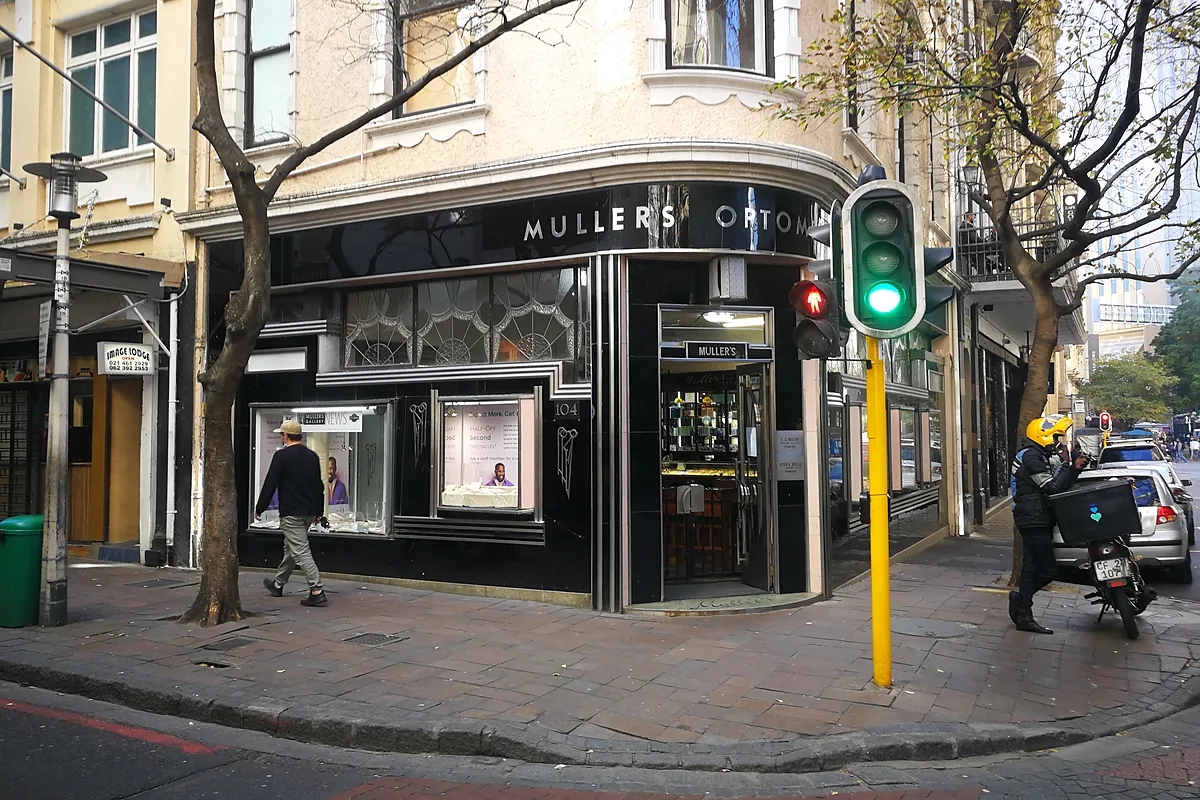

When someone in Bellville, Rosebank or Durban North looks you up on Google Maps, one of the first things they check is whether you are open. If the hours are wrong, they may arrive to a locked door, or they may not come at all.
Your Google Business Profile has a few different hour settings. Regular hours cover a normal week. Special hours cover a public holiday or a short change, without rewriting the week. If you will be closed for a week or more, or you do not know when you will reopen, you mark the profile temporarily closed. This post walks through each option, including South Africa's late-year public holidays and what to do when load-shedding changes the day.
We mentioned a holiday hours notice as a weekly post idea in our Google Business Profile checklist for SA SMEs. Here we go through how to set the hours themselves.
Set your regular weekly hours
You need to be signed in to the Google account that manages the profile. On your Business Profile, open Edit profile, then Hours. In the Business hours section, next to Hours, choose Edit, then Open with main hours. Tick the days you are open, set the times from the dropdowns, and save.
If you close for lunch, add two sets of hours for that day, for example 08:00 to 13:00 and 14:00 to 17:00. If you trade all day and night, there is a 24 hours option for each open day. Most shopfronts should show their hours. There is also an option, Open with no main hours, if you do not want times on the profile. Use that with care: people still want to know when they can call or visit.
Leave these weekly hours alone when a public holiday comes up. That is what special hours are for.
Special hours for public holidays and short changes
Special hours apply to a specific date, so your regular weekly hours stay as they are. Google's help says you can use them when you temporarily change your times, or when you stay closed for up to six days in a row.
To set them, go to Edit profile, then Hours. Next to Special hours, choose Edit. Pick a suggested date or add a date of your own. If you are open, untick Closed and enter the times. If you are closed that day, leave Closed ticked. You can add more than one time range on the same date. Then save. For special hours to show, your regular hours need to be set to Open with main hours.
South Africa's official late-year public holidays are Day of Reconciliation on 16 December, Christmas Day on 25 December, Day of Goodwill on 26 December and New Year's Day on 1 January. If a public holiday falls on a Sunday, the following Monday is also a public holiday. A holiday that falls on a Saturday stays on the Saturday. Even if you will keep your usual times, Google recommends confirming the hours for official holidays, so people can see that the times are intentional.
A salon in Durbanville that only closes on Christmas Day and Day of Goodwill can set special hours for those two dates. A restaurant in Sea Point that opens later on New Year's Day can set a later start for 1 January, without touching the rest of the week.
More hours is a different setting. Use it for a service that runs on its own timetable, such as delivery or takeaway hours at a Johannesburg restaurant, not for a public holiday.
Temporary closures for a longer shutdown
Many South African businesses close for longer than a long weekend in December. If you will be closed for a week or more, for the off-season, or you do not know the reopen date, mark the profile as temporarily closed. Google's help pages draw the line around six or seven days: special hours for a short, dated closure, and temporarily closed for a longer or open-ended one. If your shutdown is about a week long, open the Hours editor and choose the option that matches what you see there.
To mark a temporary closure, go to Edit profile, then Hours. Next to Hours, choose Edit, then Temporarily closed, and save. Maps and Search will show that you are temporarily closed. When you reopen, go back to the same place and set your hours again. Do not choose Permanently closed for a December shutdown. That option is for a business that is not coming back. If you close from mid-December and only reopen in January, temporarily closed is usually the better fit than a long string of special-hour dates.
Load-shedding and other short-notice changes
Google does not have a separate load-shedding setting, and stages can change at short notice. Do not rewrite your regular weekly hours every time the schedule shifts, and do not mark the profile temporarily closed for a few hours in the afternoon.
If you already know you will close on a given date, you can set special hours for that day. If the outage is the same day, a short update on your profile is often more practical. We have a guide to Google Business Profile posts that get calls in Cape Town, and the same weekly habit works for a "closed this afternoon" note. Leave the weekly hours in place for a burst pipe or a sick day too, and tell people on the profile for that day.
A simple habit before long weekends
Once a month, or in the week before a public holiday, as part of the rhythm in our Google Business Profile checklist for SA SMEs:
- Check your regular weekly hours still match the door
- Add special hours for the coming public holidays, even on days you will keep your usual times
- If you are going into a longer December shutdown, mark the profile temporarily closed before you leave, and put a reminder in your diary to reopen it
- Add a short post if you want to say when you will be back
That is enough. You do not need to live in the editor. If you take bookings, correct hours on Google are only half the job, because the visit still has to happen. Our sister company, LekkerWerk AI, wrote a guide on AI appointment reminders for South African service businesses for practices, salons and trades that book by phone or WhatsApp.
Need a hand?
You can do all of this yourself. Plenty of South African owners do. If you'd rather focus on the business, we can help with getting found online: your website, marketing and Google Business Profile, including hours and a simple weekly routine. We are based in Cape Town and work with businesses across South Africa.
If you want a wider look first, start with a free health check and a real person will review how your website, marketing and Google Business Profile show up.
FAQs
Should I change my regular weekly hours for Christmas Day?
No. Leave your weekly hours as they are and set special hours for 25 December, and for Day of Goodwill on 26 December if those times will also change. Special hours apply to those dates only.
How long can special hours cover a closure?
Google describes special hours as a short change, including a closure of up to six days in a row. If you will be closed for seven days or more, for the off-season, or you do not know when you will reopen, mark the profile temporarily closed. If your shutdown is about a week long, check the Hours editor and choose the option that matches what you see there.
What if a public holiday falls on a Sunday?
The following Monday is also a public holiday. Set special hours for both days if you will close or change your times. A public holiday that falls on a Saturday stays on the Saturday.
Should I mark the profile temporarily closed during load-shedding?
No, not for a few hours. Leave your regular weekly hours in place. If you already know you will close on a given date, set special hours for that day. If the outage is the same day, a short profile post is usually the better option.
Shall we take a look at your business?
Start with a free online health check. A real person reviews your Google profile, website and AI search presence.